
Colours and icons
Give every event its own look, and find any icon fast with search.
Every event has a colour and an icon, and they follow it everywhere: the list, Calendar View dots, widgets, and shared countdowns.
Change them
- Open the event and tap Edit, or start a new one.
- Tap the icon square next to the title.
- Choose Colour or Icon.
Icons
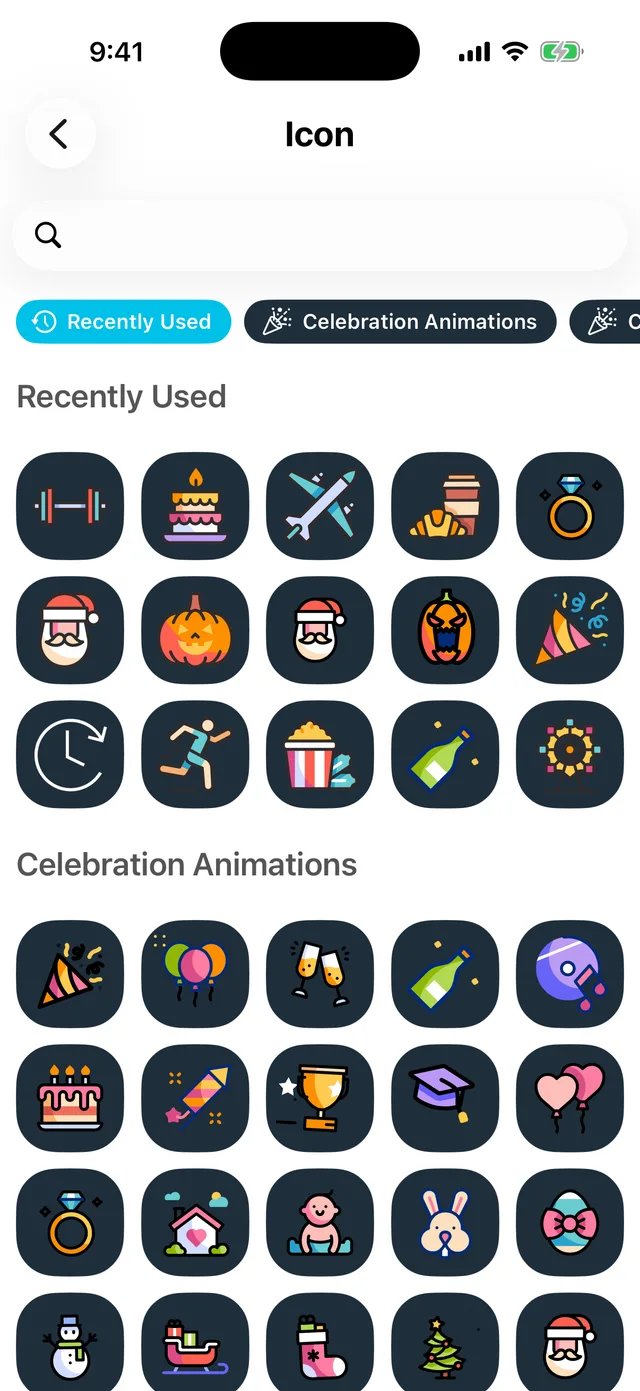
Icons are grouped by theme, with your recently used ones first, and there is a search box at the top: type cake, plane or dog and jump straight there. Some icons are animated and play on the event's countdown screen.
Colours
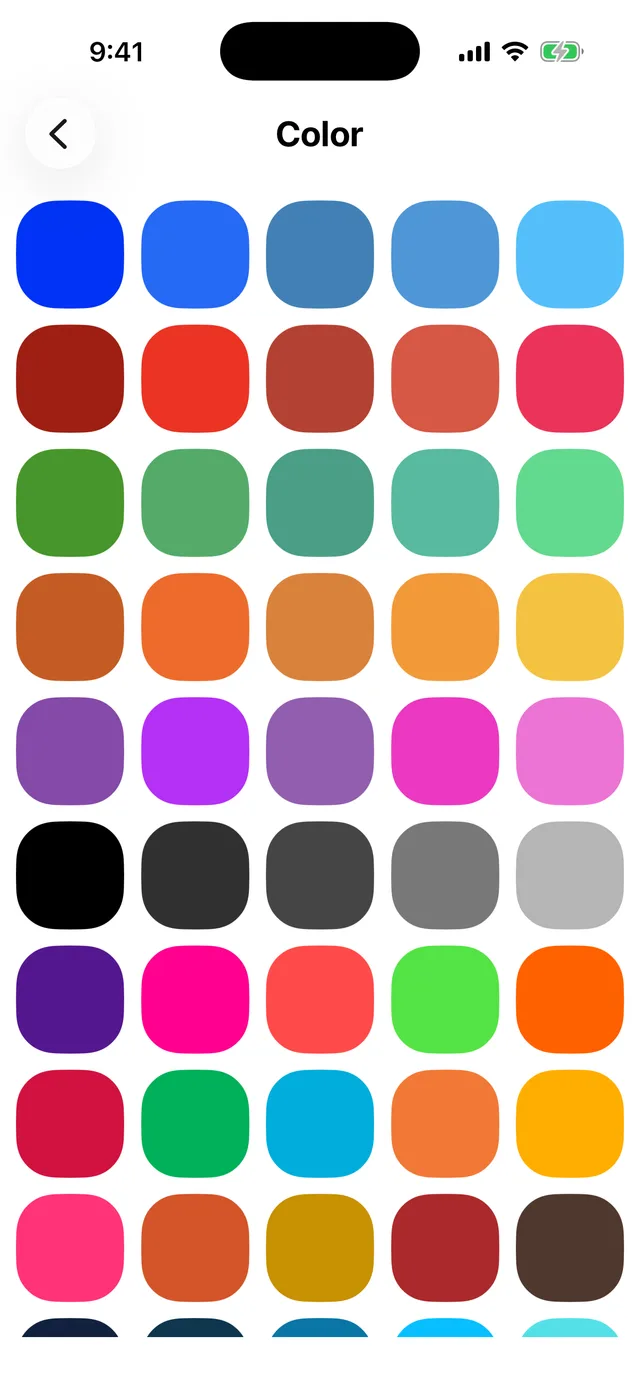
Pick from the palette; the event's cards, dots and widgets all take the colour.
A starter set of colours and icons is free. The full collection, including the animated icons, is part of Premium.
Did this not solve it? Contact us and include what you tried. In the app, Settings then Contact Support attaches the details that help us find your account.