
Feature guideiOS & AndroidUpdated 7 August 2026
Dark theme, light theme, or match your device
Switch the app's look in Settings, or let it follow your device's appearance automatically.
The app follows your device's appearance by default, going dark when your phone does. You can also pin it to one look.
Choose a theme
Open Settings (the gear) and find Theme:
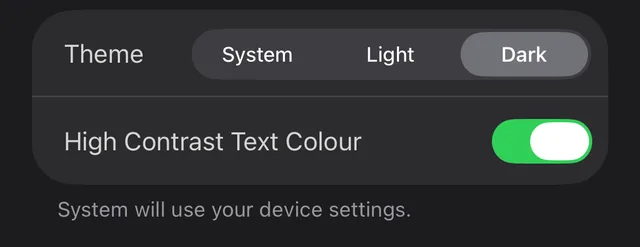
- System matches your device, switching automatically with it.
- Light and Dark keep the app in that look permanently.
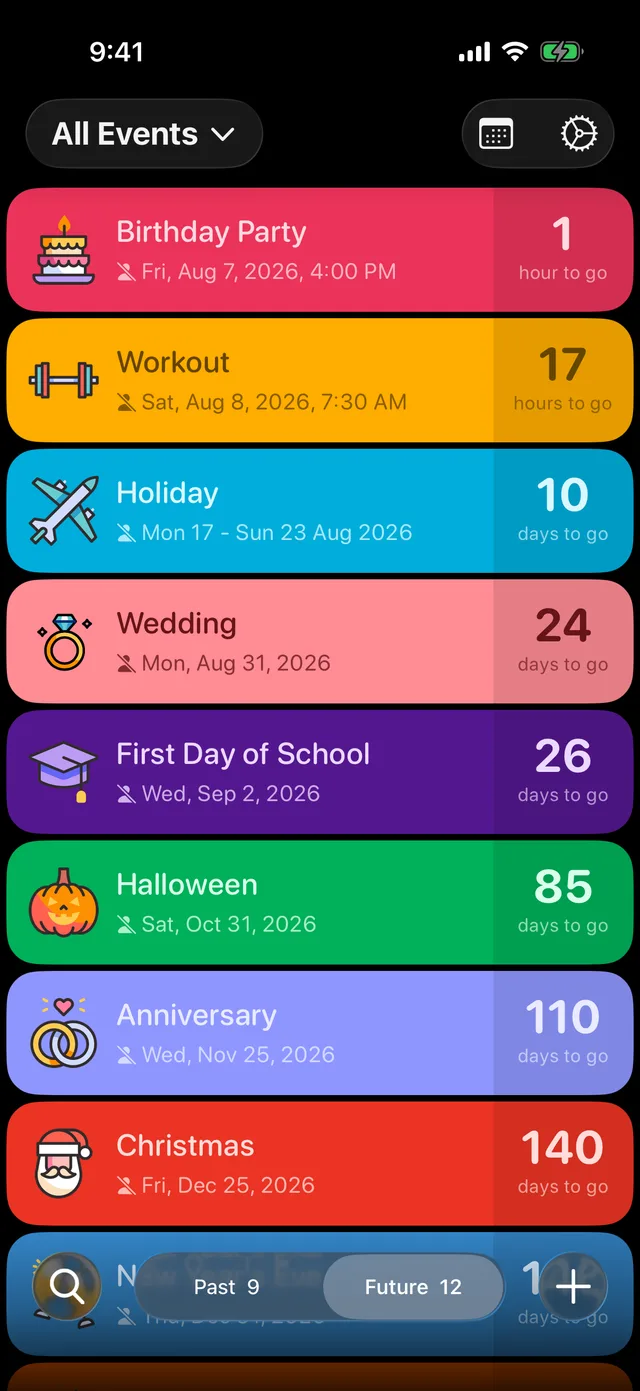
The dark theme keeps every event's colour vivid against black:
Prefer bolder text?
Just below Theme, High Contrast Text Colour makes the text on colourful event cards punchier. Try it if titles ever feel faint against a bright colour.
Did this not solve it? Contact us and include what you tried. In the app, Settings then Contact Support attaches the details that help us find your account.