
Restore a deleted event
Deleted events and calendars sit in Recently Deleted for 30 days. Bring them back from Settings.
Deleting an event is not final. Deleted events, and deleted calendars, move to Recently Deleted, where they stay for 30 days.
Bring something back
- Open Settings (the gear) and tap Recently Deleted.
- Find the event; deleted calendars are listed here too.
- Tap it and choose Restore.
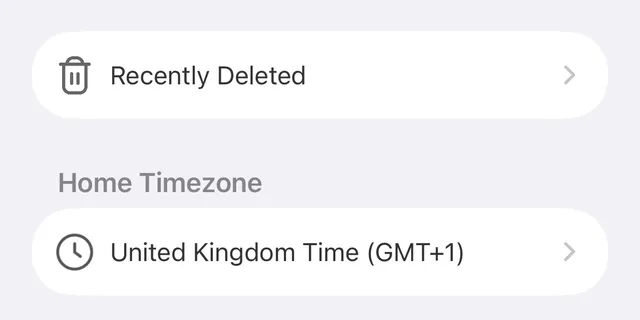
The event returns to your list exactly as it was.
The 30 day window
Items stay in Recently Deleted for 30 days from when you deleted them, then they are removed for good. After that there is no way to bring them back.
Part of Premium
Recently Deleted is part of Premium. Not subscribed? You can watch a short video in the app for 24 hour access and restore what you need.
Something missing that you never deleted?
See My events disappeared after upgrading or switching devices, and check the calendar filter under All Events in case it is just hidden.
Did this not solve it? Contact us and include what you tried. In the app, Settings then Contact Support attaches the details that help us find your account.